Category: Services

Photo Editing

Photo Editing

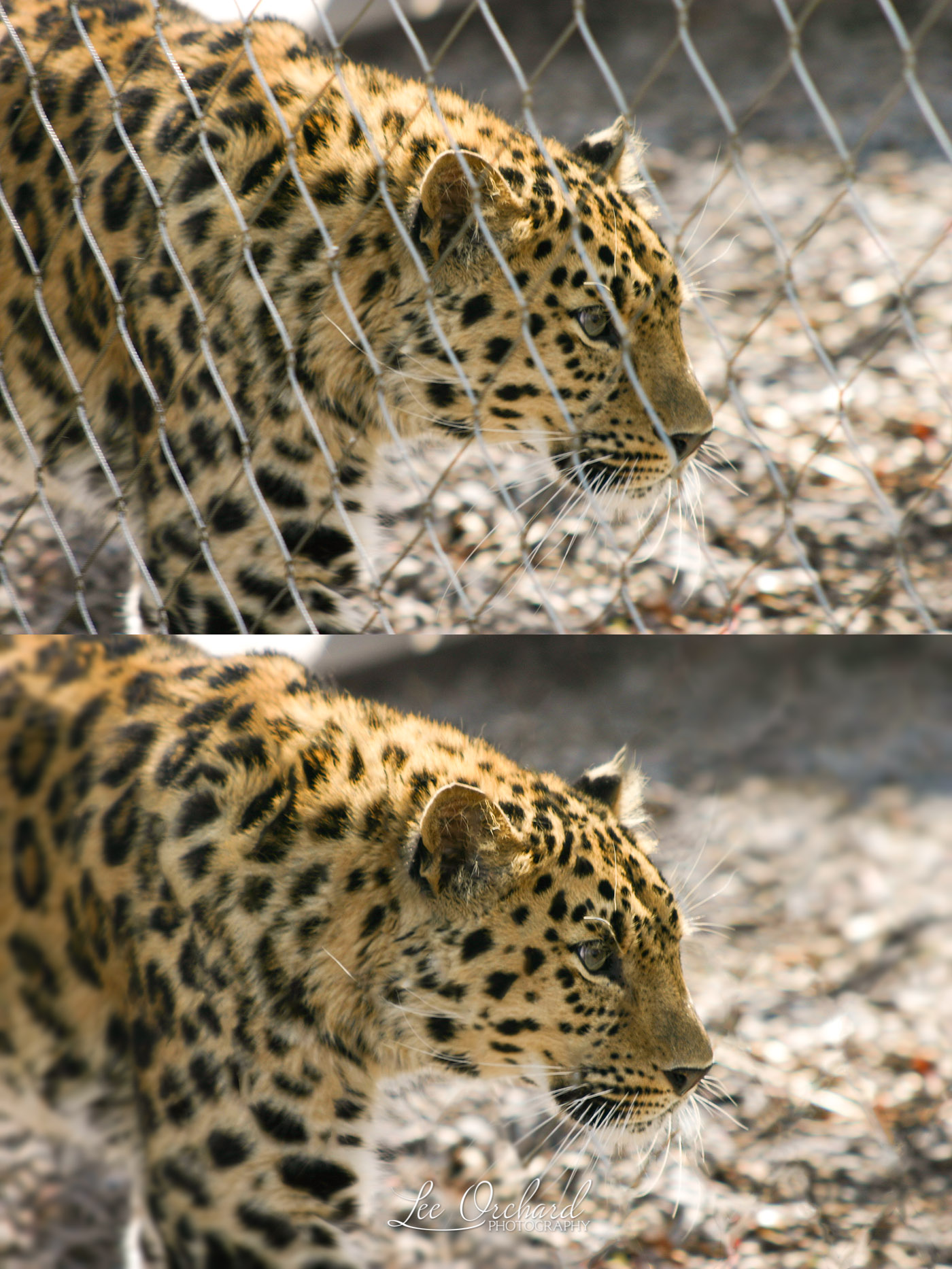
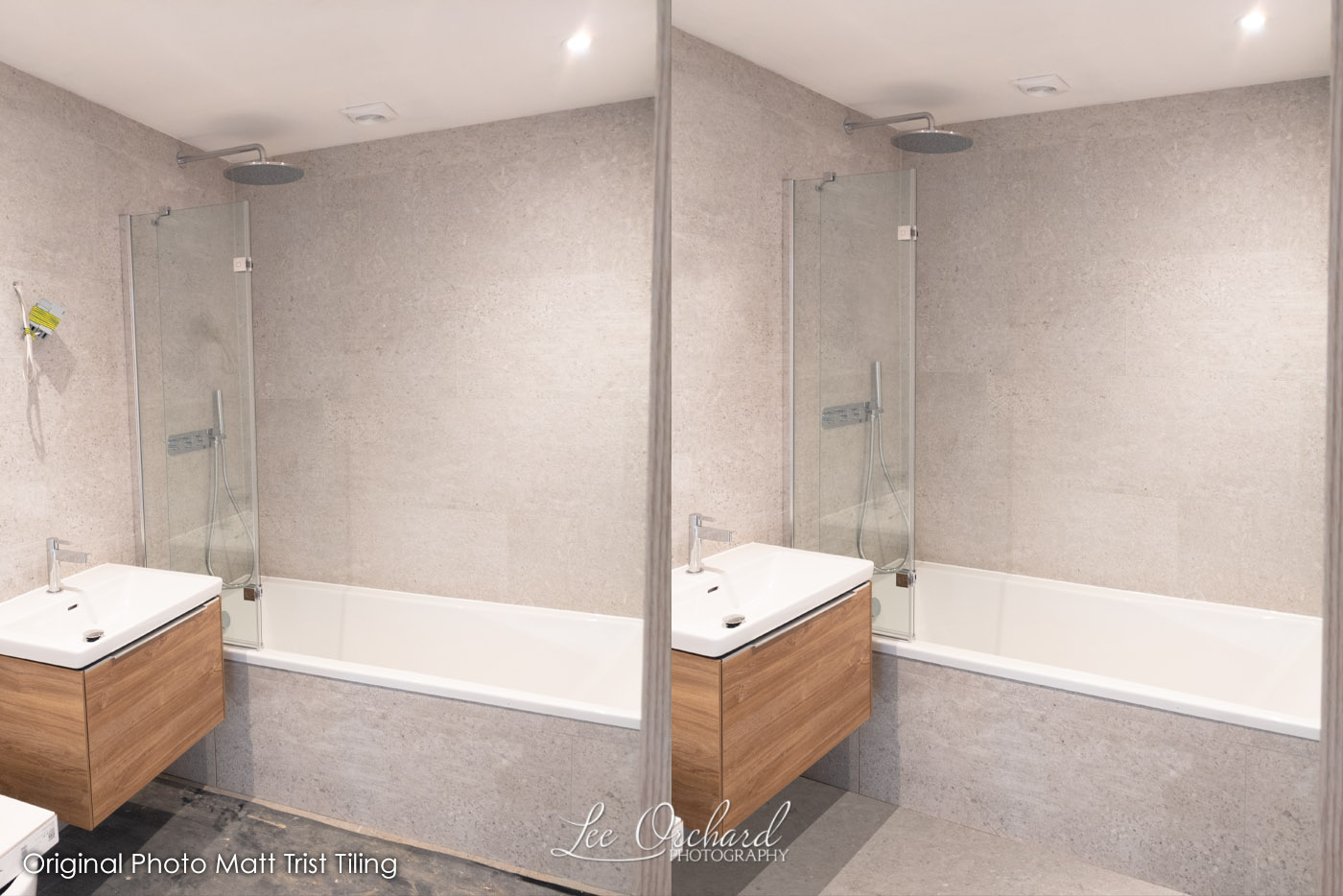
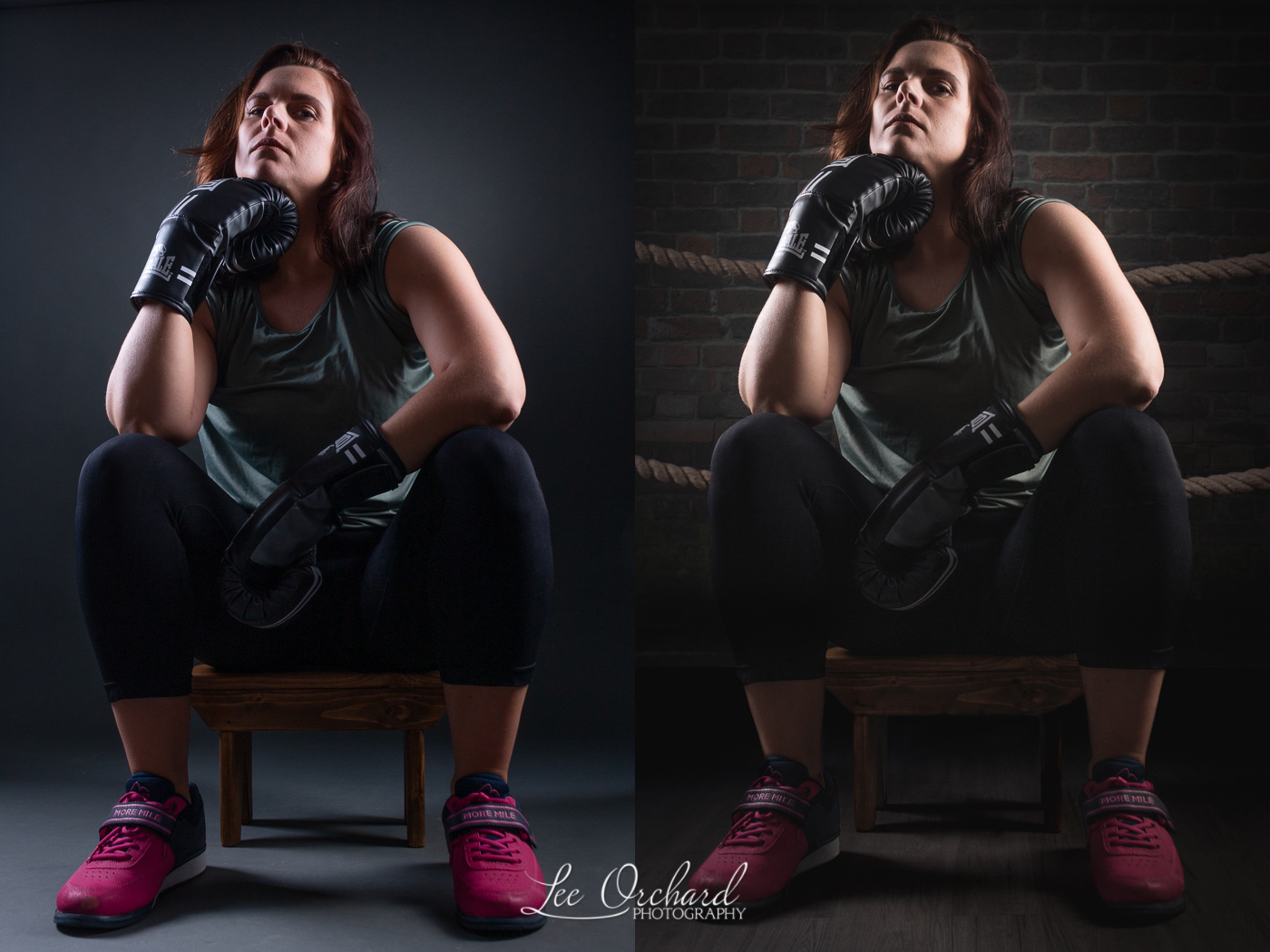
One of the many Services I offer is photo editing.
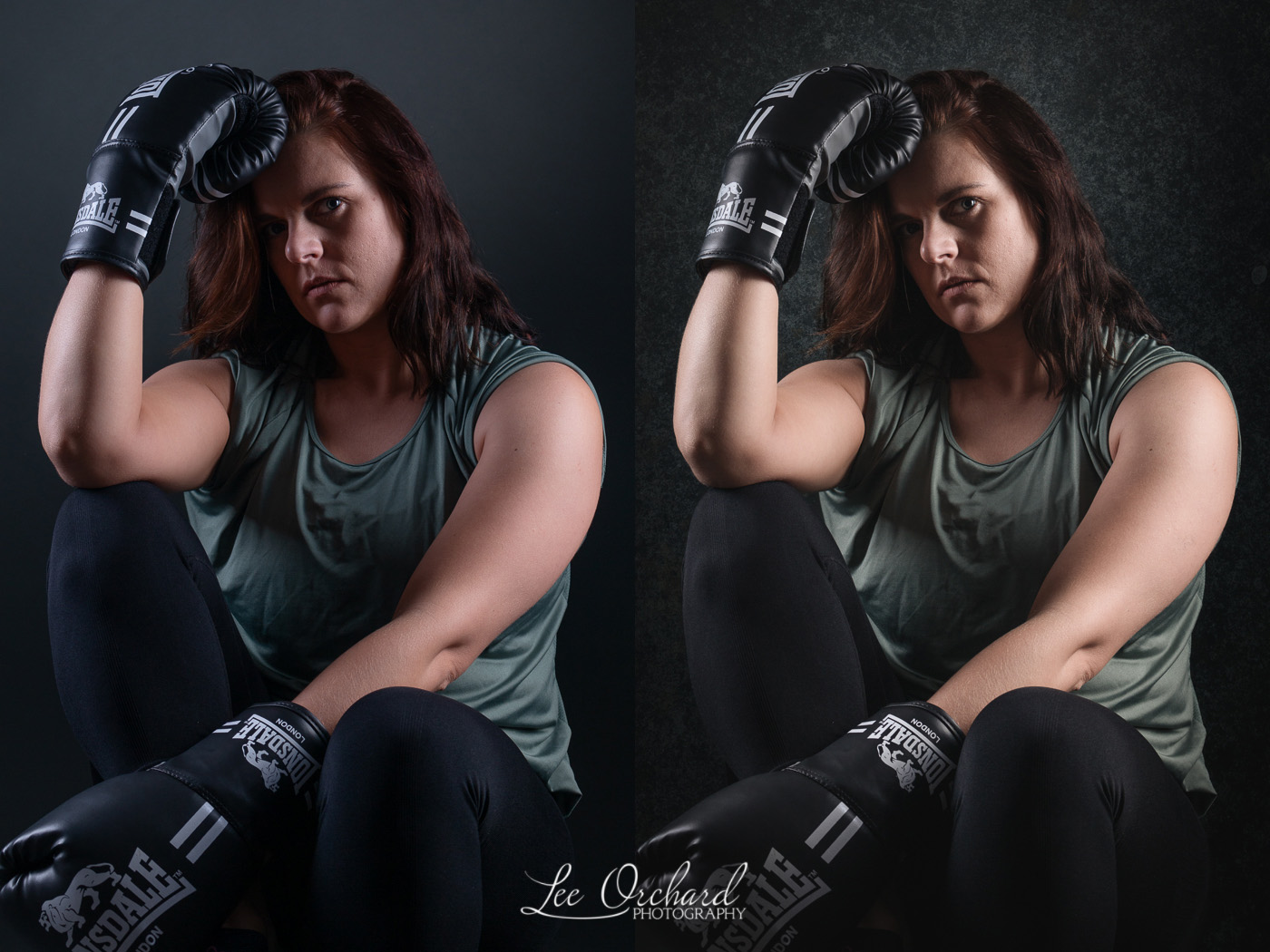
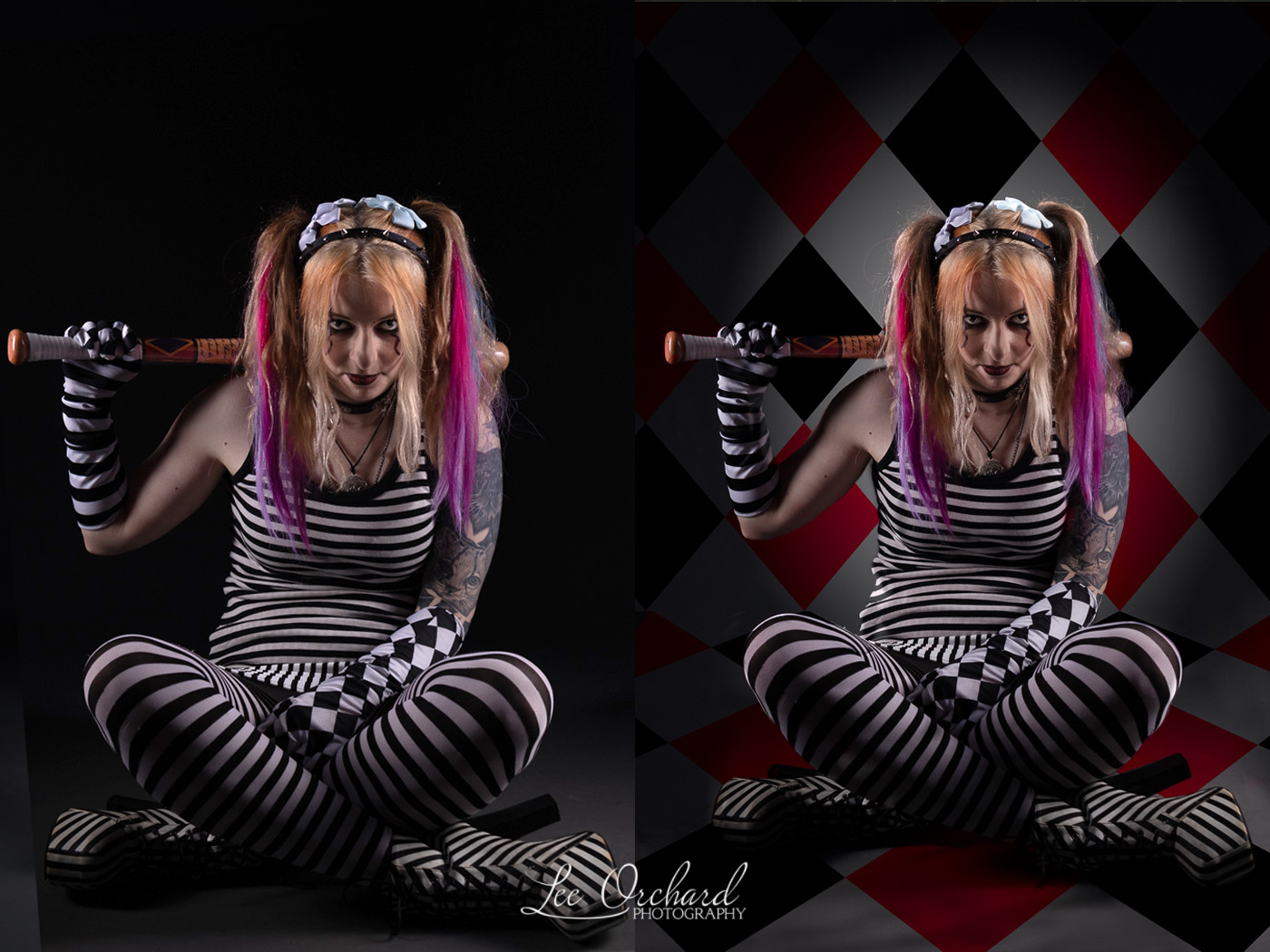
This can range from a simple background replacement

To something a lot more complex.

I offer editing to Professional Photographers, who aren’t totally up on their editing skills (I offer tutoring for that) or editing for small businesses who just need their images tweaked for their websites.

Colour changes and composite work.

Other recent work has been fixing lighting issues in group portraits and replacing the background. Product cutout on to white background and many website image tidy-ups.

Whatever your photo editing need, please get in touch to discuss your requirements.
Tutoring

Tutoring

I haven’t spoken about Tutoring on my blog for a while, so thought it might be a good time to give an update.

As a photography related tutor I offer several types of tutoring for people.

  1. Photography
  2. Lightroom
  3. Photoshop

Photography

Photography sessions are available in 2 formats and are for beginners and for people who want to understand their camera better.

Studio basics, is designed to cover camera settings like Aperture Priority, Shutter Priority, focusing, etc under controlled studio environment conditions so you can easily try out all these features.

Mini Workshops are out and about on location and again can cover all the basics as above but on location. These are maybe better for people how prefer landscape over action photography.

Lightroom

Beginners to more advanced, setting up Lightroom, creating catalogs and learning to organise and keyword your photos, editing and exporting. All features covered at any levels.

Photoshop

Difference between Lightroom and Photoshop, learning about layers and masks, destructive vs non-destructive editing and more. How it links into Lightroom and when you need to use it.

All tutoring sessions are tailored to your needs and designed to help you get on with your photos editing and improve your photography.

For more details, please visit my tutoring page.

Photoshop – Blurring Background

Photoshop – Blurring Background

I offer a range of tutoring options for individuals and these are always tailored to your needs.

In this example, I covered background blurring. This lovely photo of a Jackdaw, was sitting on a perch that was one a couple of feet from the hedge. It gave a nice green background, but I wasn’t happy with the DOF in the photo. Ideally, the perch should have been further from the hedge, but thesis not always possible.

Like many photographers, I prefer to do it in camera if possible, but these days, many many photos are edited, so it’s good to know how to do some of these things.

In Photoshop, I have cutout the subject from the background and used Content-Aware Fill to fill the space, then used field blur to add extra blur to the background.

I think the result is better than the original but has kept a natural look in the photo.

I now offer remote tutoring for anyone interested in learning Lightroom & Photoshop, this is easier than having to deal with Covid issues and also doesn’t limit the distance of the learner. If you are a Mac user, no extra software is needed either!

Please use the link below to find out more.